
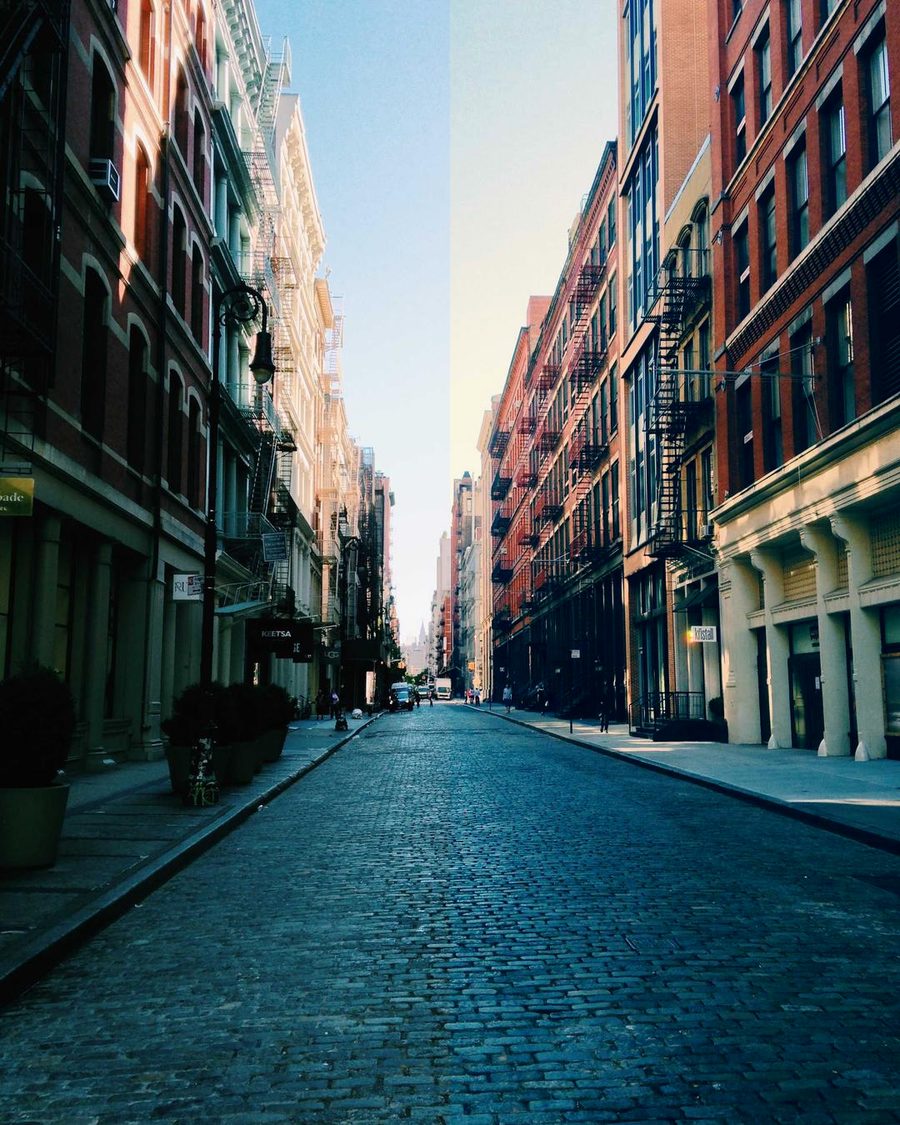
02 / 10
Teal & Orange
Ten looks and ten reel structures, for the clips already on your phone. US$12.
Graded live, right now, with the kit's own .cube files. Drag the line.
02 / 10
Teal & Orange
Graded live, right now, with the kit's own .cube files. Drag the line.
Pick any photo from your phone and see it in all eleven looks. Nothing is uploaded: it never leaves your phone.
02 Teal & Orange
swipe · hold = original
The eleven looks · keep scrolling
00 / 10
Clean Pop
A clean lift in contrast and colour, skin protected. Free below.
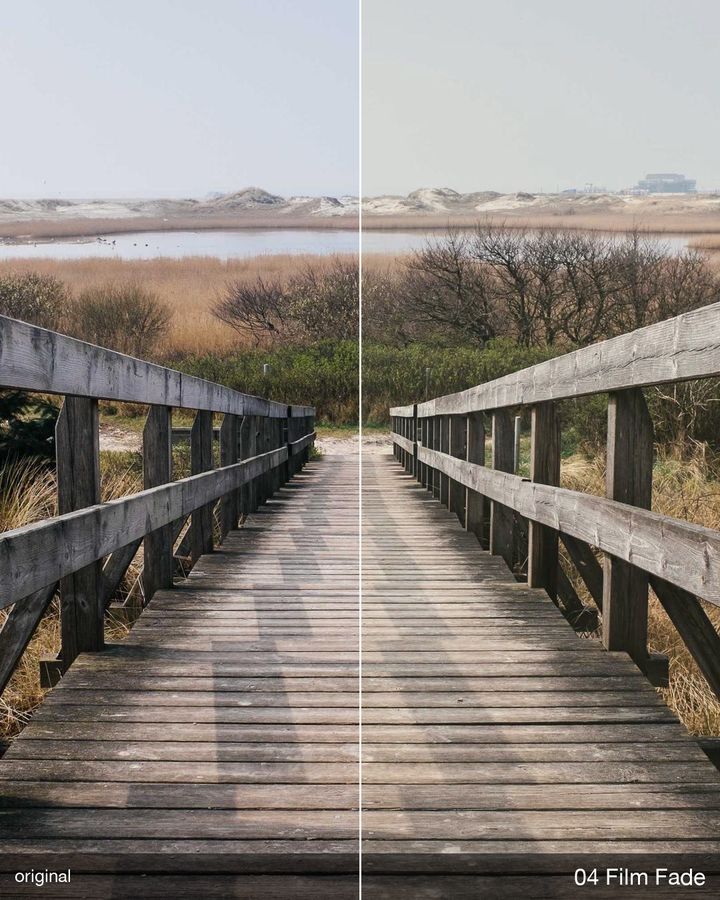
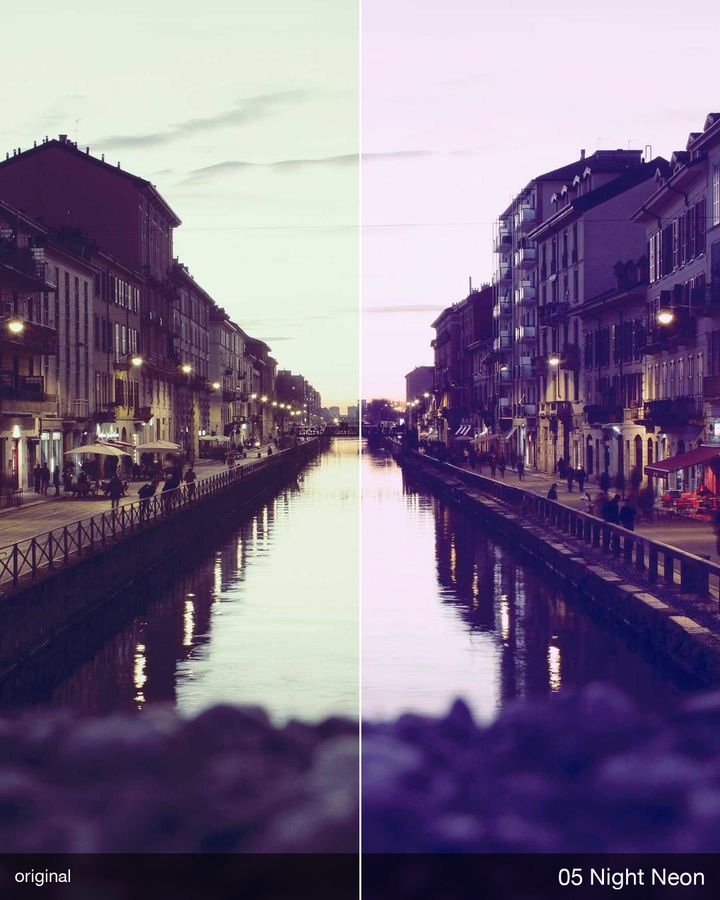
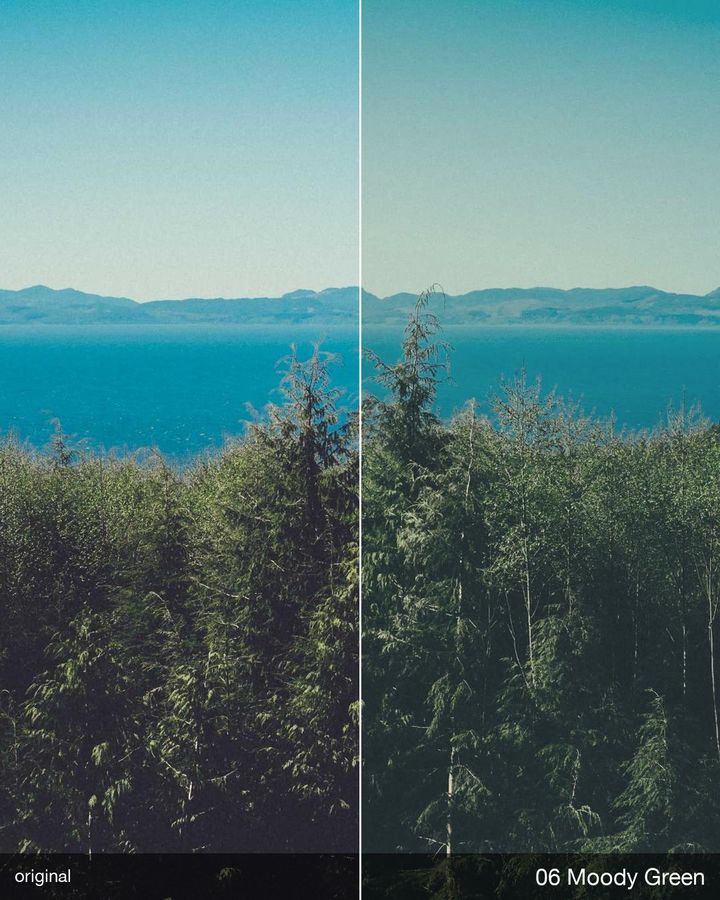
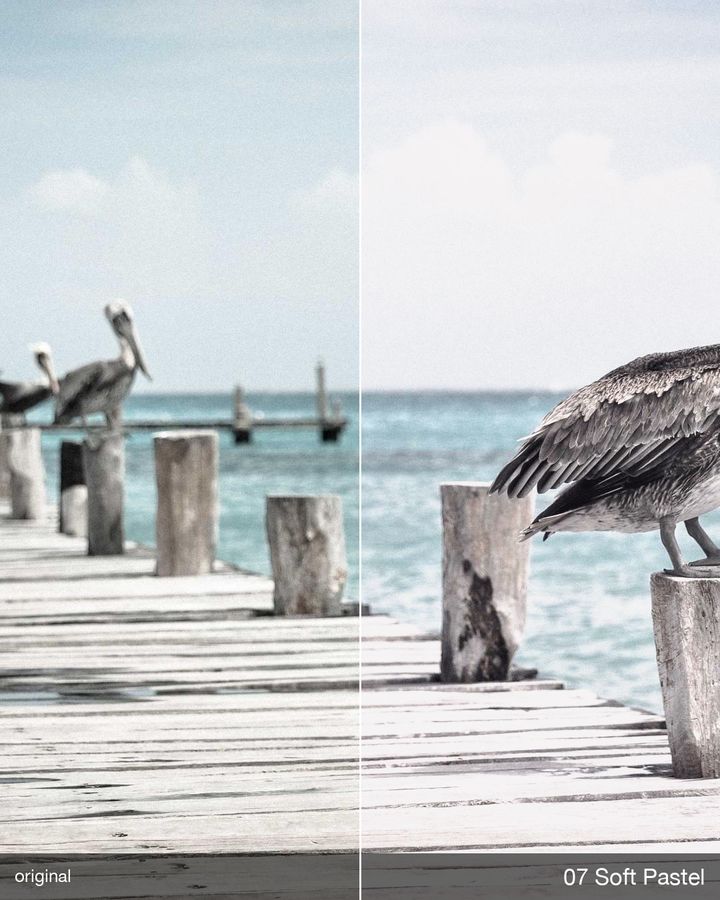
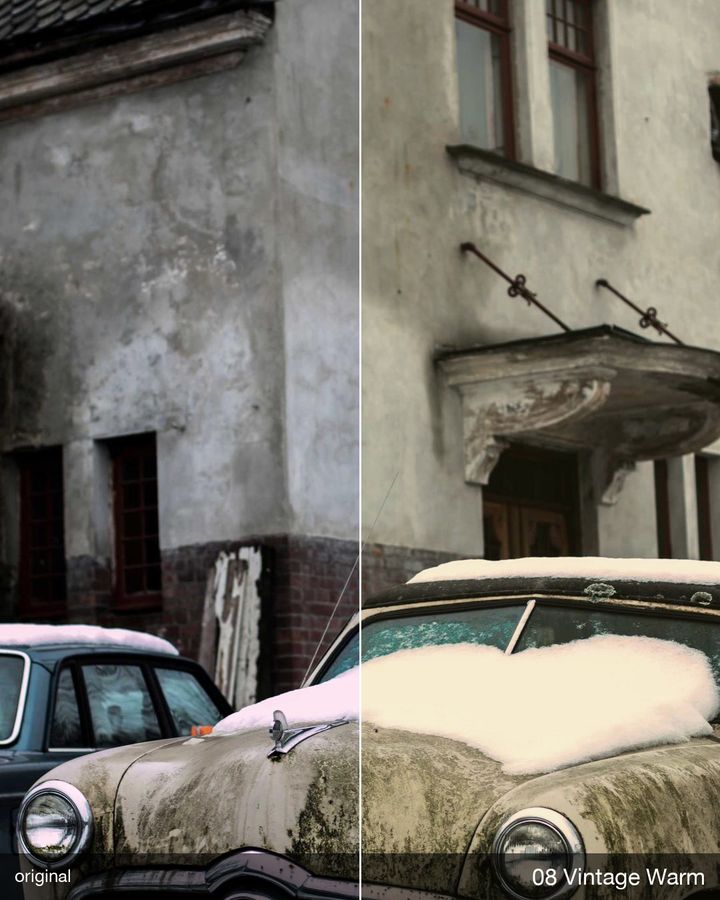
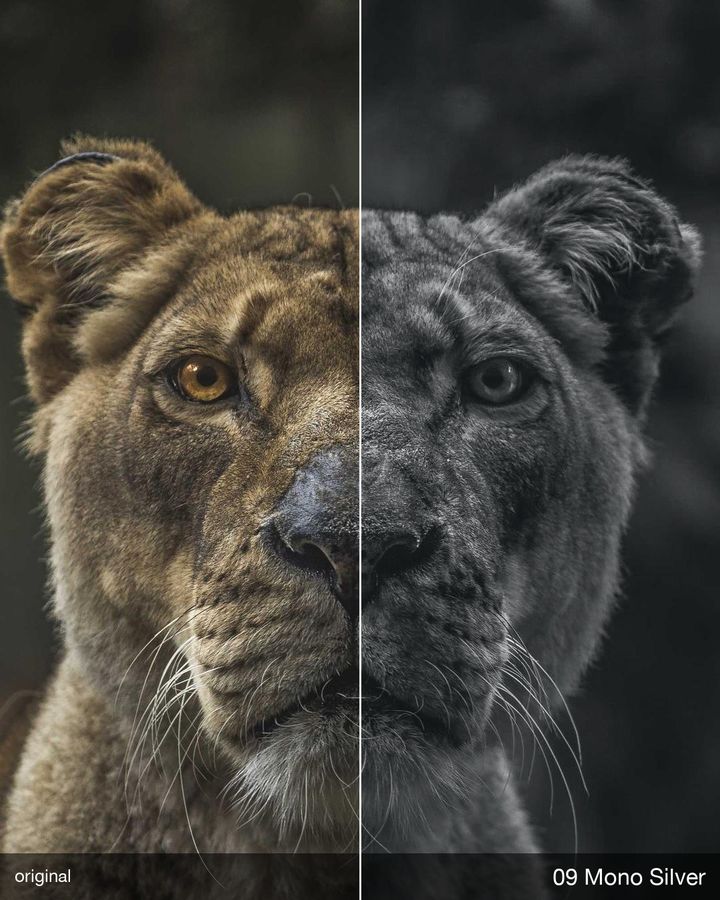
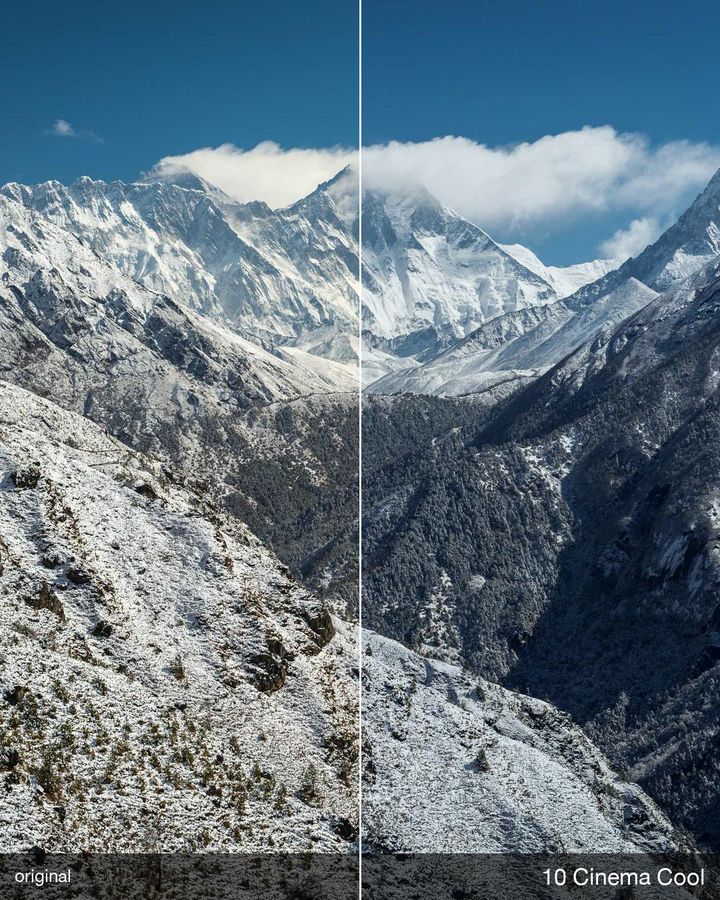
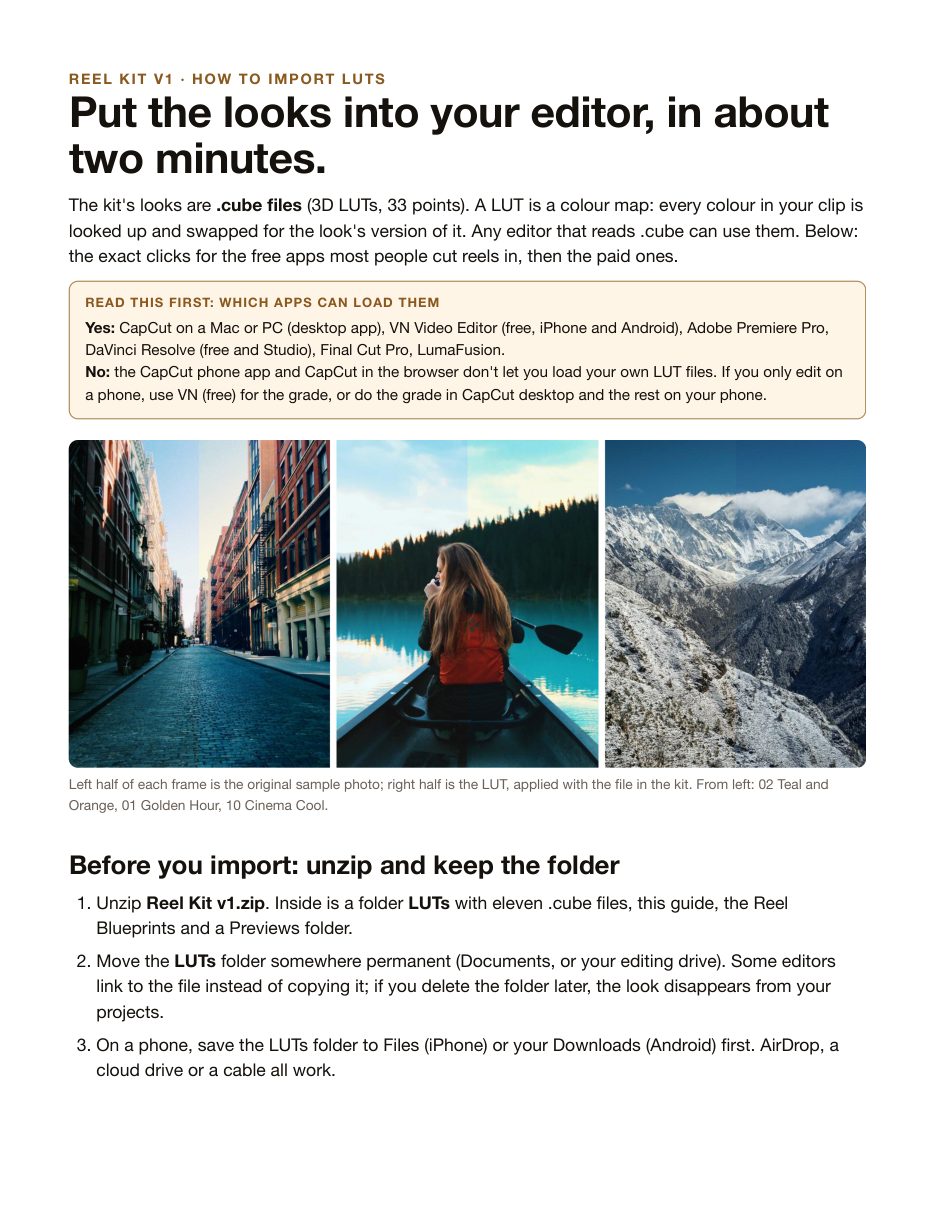
Every picture is a sample photo split down the middle: left half the original, right half the LUT, applied with the exact file in the kit. Nothing else was changed.

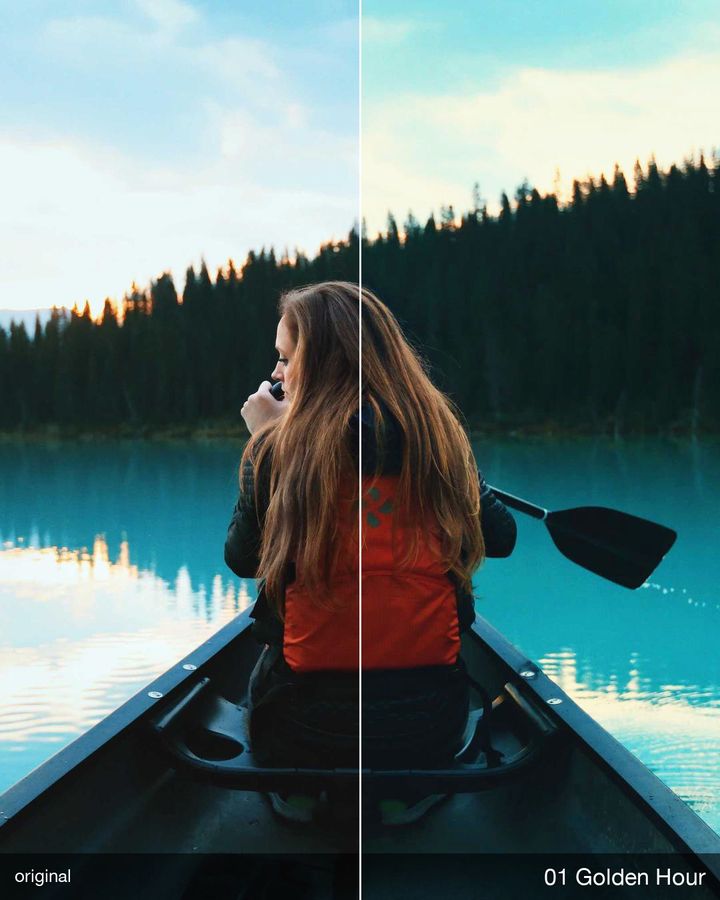
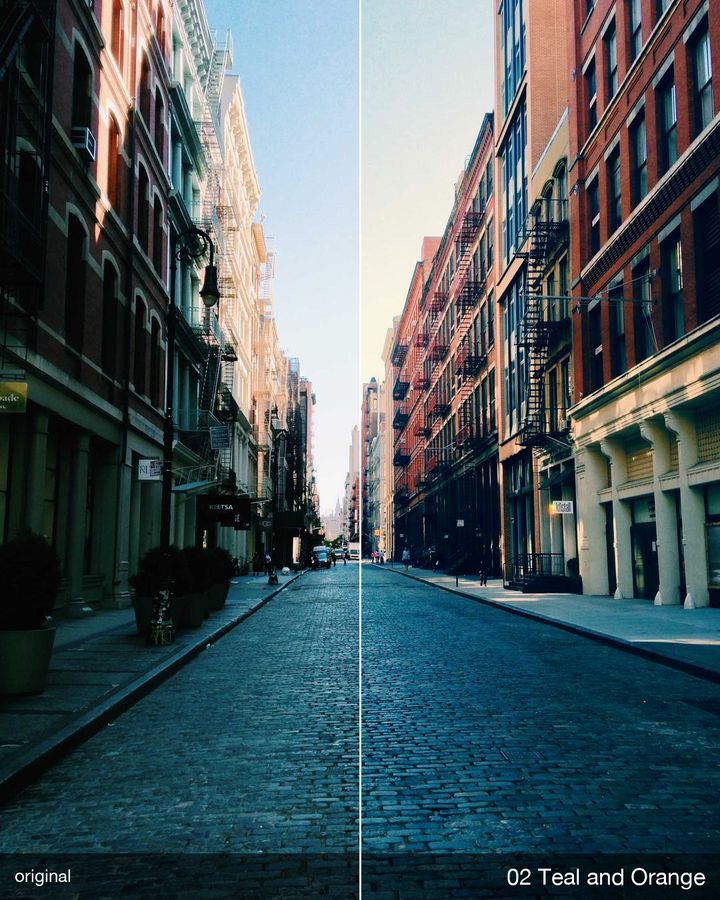
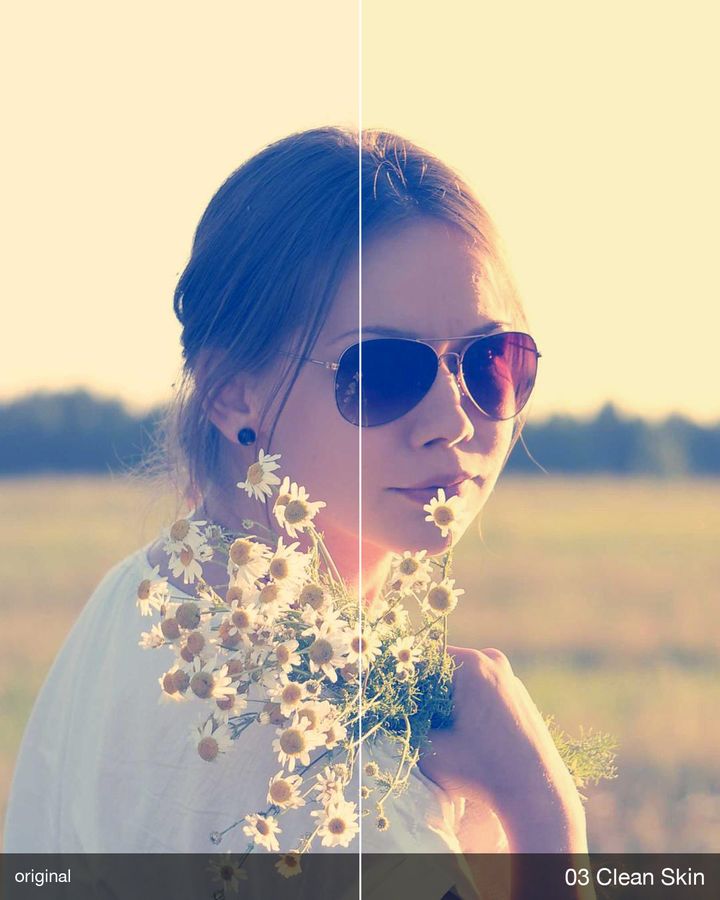
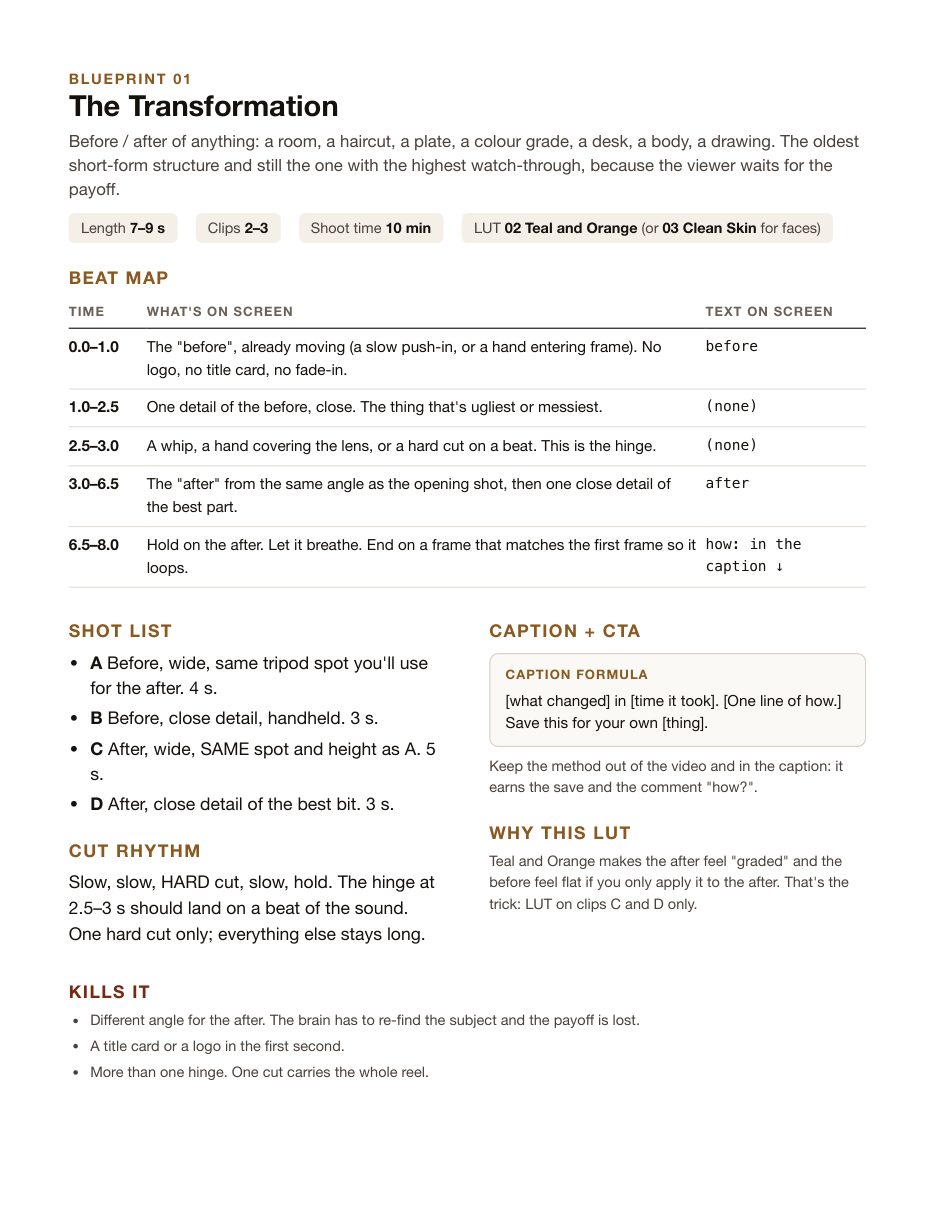
Blueprint 01 · The Transformation
Slow, slow, hard cut, slow, hold.
This phone is a demo: one still photo cut to Blueprint 01's real timings, graded live with 02 Teal & Orange. In the kit you shoot your own clips into the skeleton.
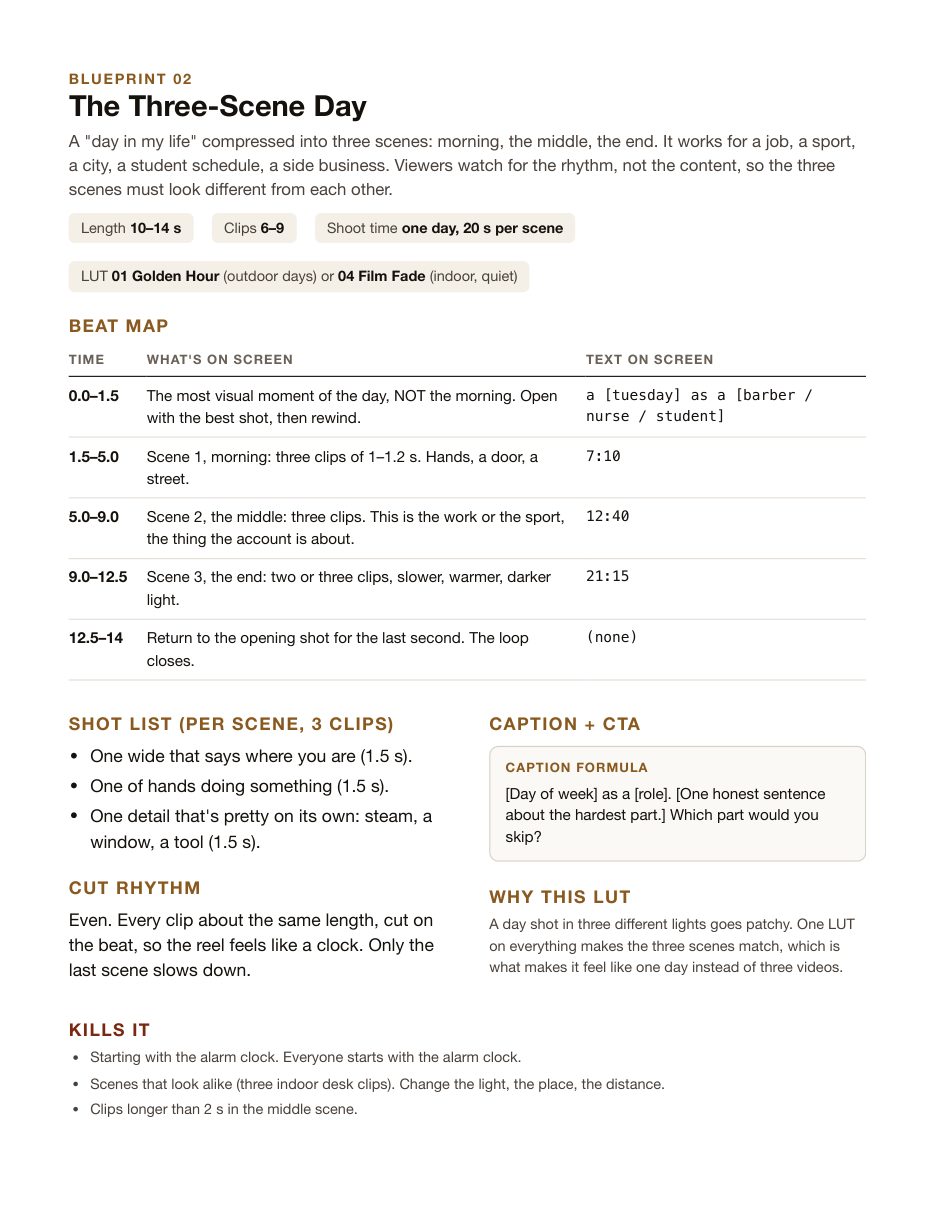
A blueprint is the skeleton of a reel: what happens in the first second, where the cuts go, what the text says and when, which LUT, what to write in the caption, and the mistakes that kill it. Shoot your own clips into the skeleton.
Plus the rules under all ten: where text can go so the app's buttons don't cover it, the first second, sound, export settings, a posting checklist, and a table for picking a LUT fast.
LUTs only work in apps that can load a .cube file. Please read this before the buy button.
Download the free look, import it, and you'll know in two minutes whether your app takes the kit. If 00 Clean Pop shows up in your editor, the other ten will too. The import guide is free as well, so you can read your app's steps before you pay.
About 8 MB. For your own videos, personal or commercial, as many as you like. Please don't resell or share the files.
US$12one time
Stripe takes the payment (card, Apple Pay, Google Pay). Right after, you land on your download page and Stripe emails your receipt.
Get the Reel Kit, US$12It's a download you get straight away, so all sales are final (terms). If a file won't import, email support@waar.com.hk from the address you paid with and say which app; we'll get it working with you. Sold by W A A R LIMITED, Hong Kong.
No. The CapCut phone app and CapCut in a browser can't load your own LUT files. CapCut on a Mac or PC can (Adjust → LUT → Import). On a phone, VN is free and loads them (Filter → Import). You can grade in VN and finish the reel anywhere.
A colour map. Every colour in your clip is looked up and swapped for the look's version of it, so a flat phone clip gets a finished grade in one click. A .cube file is the standard format; every editor listed above reads it. You set how strong it is with a slider.
Both, through VN (free on both) or LumaFusion. The LUT files themselves are the same for every app and every phone.
Yes. Every look you see here is the kit's own LUT, graded live in your browser on a free-licence sample photo (or on your own photo, if you pick one). Nothing else is touched: no extra brightness, no retouching. The browser reads the same 33-point LUTs stored as images, so colours can differ from your editor by a hair of rounding at most. Your results depend on your clip's exposure and white balance; the guide shows what to fix first.
No. The photo is opened and graded inside your browser on your own phone or computer. It is never sent to us or anyone else, and it's gone when you close the page.
Yes. Use the looks and blueprints in as many of your own videos as you like, paid or not. What you can't do is resell, share or re-upload the files themselves.
Email support@waar.com.hk from the address you paid with and say which app and what you saw. We'll get it working with you. All sales are final because it's a download you get right away, which is exactly why we answer.
W A A R LIMITED, a Hong Kong company (Business Registration 59466352). Terms, refunds and privacy.